
Project folder
Get your bearings in a project folder.
Pick up where someone else left off. A project folder can hold spreadsheets, CSV tables, and PDFs, and the names alone rarely show how the pieces belong together.
See what’s inside
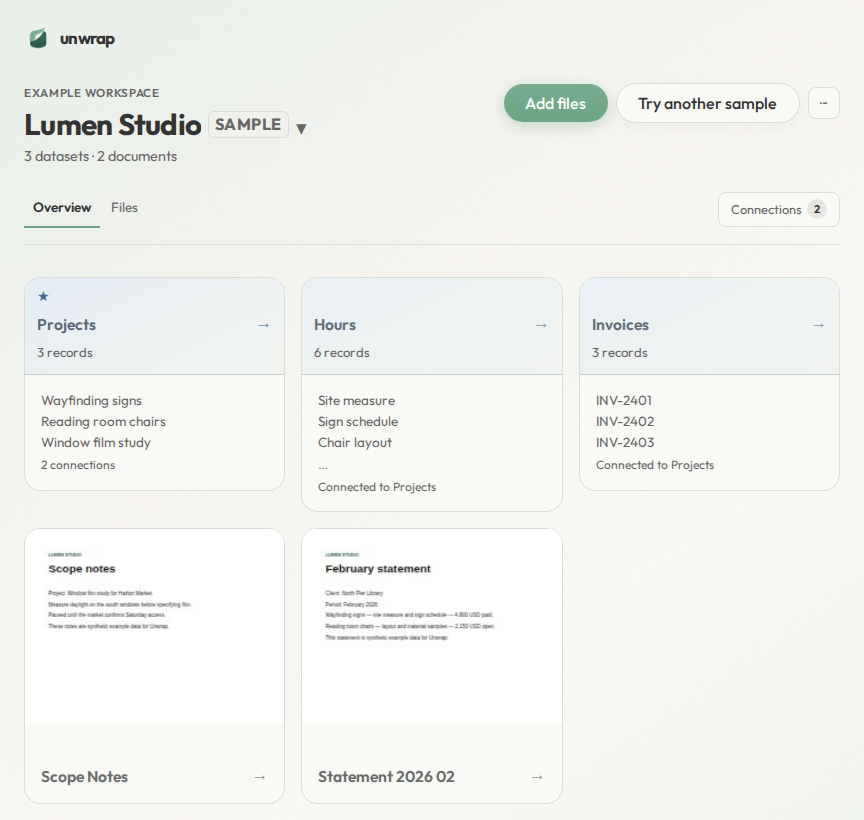
The sample is a project folder called Lumen Studio. Files lists what it contains: projects.csv, invoices.csv, an hours workbook, and two PDFs in Documents.
Overview is the starting point. Projects, Hours, and Invoices sit together, and Hours and Invoices are connected to Projects. Scope Notes and Statement 2026 02 are on the same page, so the documents stay close to the tables.
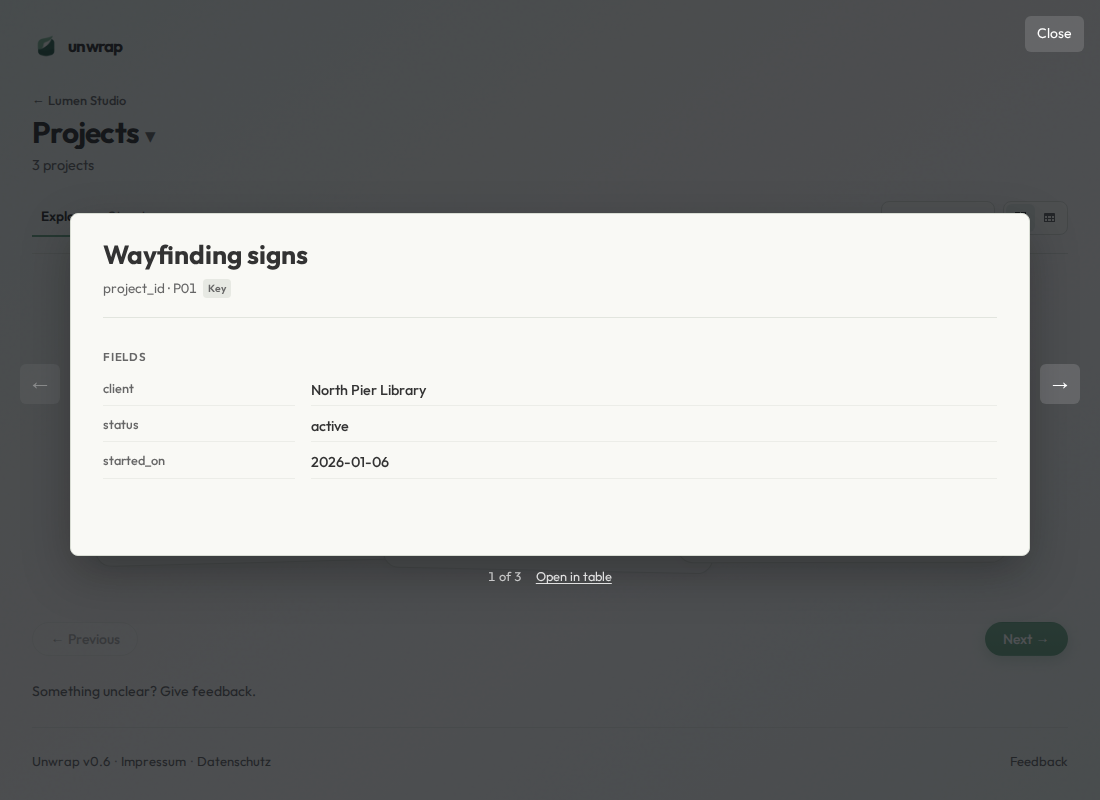
Open Projects to read its records: Wayfinding signs, Reading room chairs, and Window film study. Open a record to see its fields, then move to the next record.
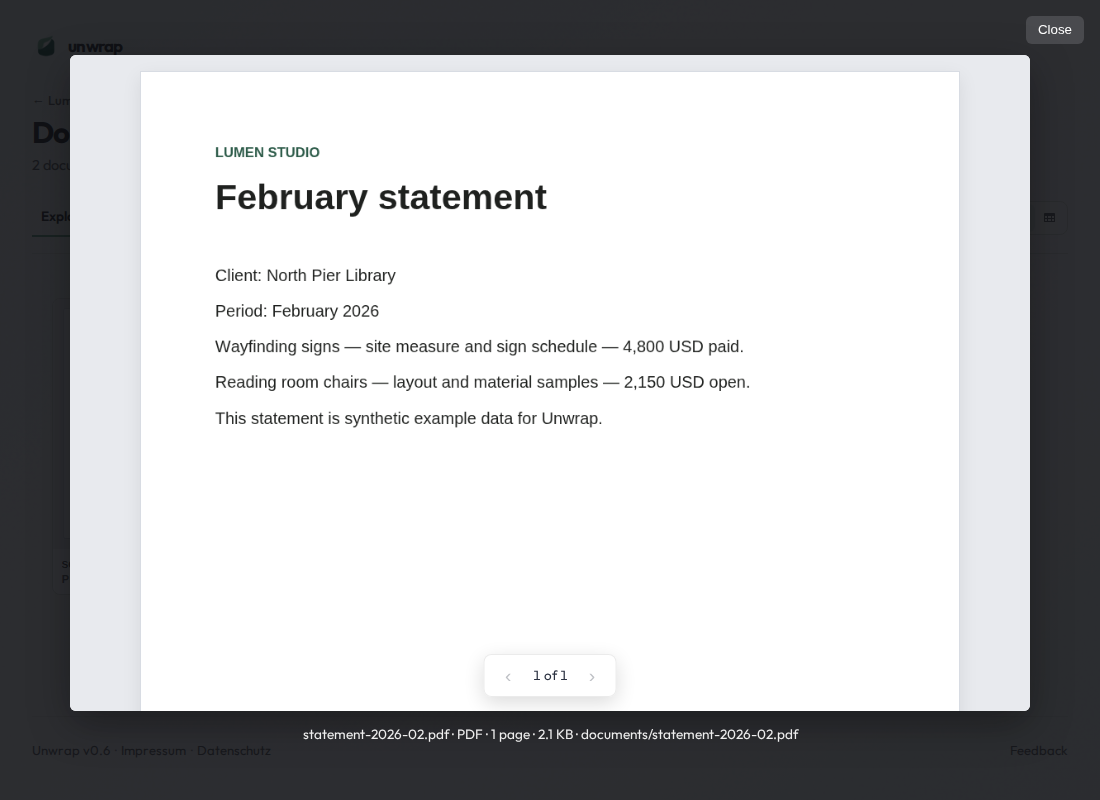
Open either PDF to read the page. Statement 2026 02 names the Wayfinding signs project. Close it to return to the datasets.
If a file does not open, it stays in Files. Findings explains that file.
Common questions
What is in the sample folder?
Lumen Studio holds a projects table, an invoices table, an hours workbook, and two PDFs.
Where do the tables and the PDFs meet?
Overview keeps Projects, Hours, Invoices, and the two documents on one page. Open a record from Projects, or open a PDF, without leaving the folder.
What if a file does not open?
It stays in Files. Findings explains that file.
Continue exploring
- Open a ZIP data export — go beyond a list of filenames
- Understand a data export — choose a useful starting point
- Explore an Excel export — inspect the sheets in a workbook
Picking up a folder someone else left behind?
Try this sample →